1. VSCode 공식 사이트 접속
https://code.visualstudio.com/
Visual Studio Code - Code Editing. Redefined
Visual Studio Code is a code editor redefined and optimized for building and debugging modern web and cloud applications. Visual Studio Code is free and available on your favorite platform - Linux, macOS, and Windows.
code.visualstudio.com
2. .deb 눌러서 다운로드
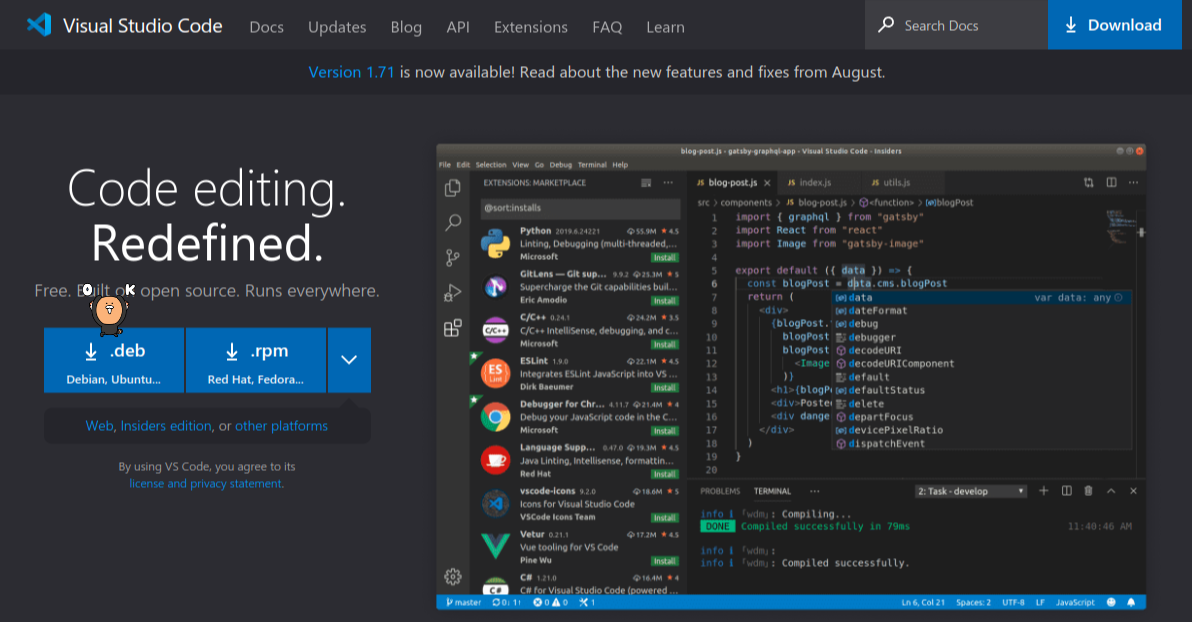
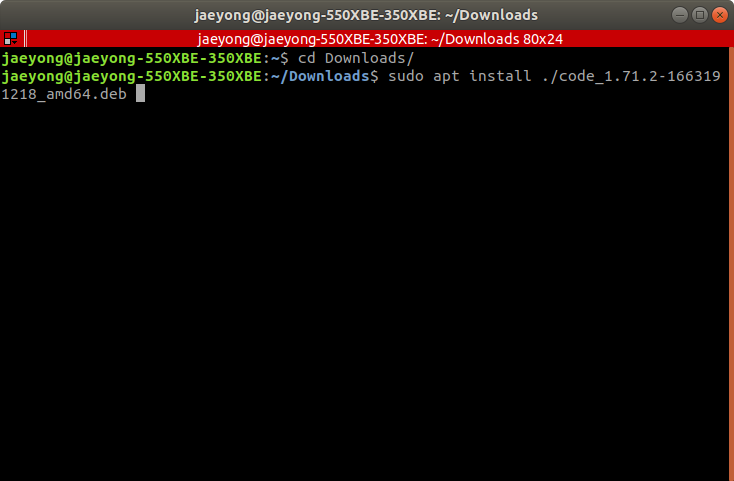
3. 다운로드한 폴더로 이동해서 vscode 설치
cd ~/Downloads
sudo apt install ./code_1.71.2-1663191218_amd64.deb
# it can be changed!
4. 실행
끝
'Ubuntu' 카테고리의 다른 글
| [Ubuntu] ubuntu 20.04에 파이토치 설치 (Alienware x15 r2) (0) | 2022.10.23 |
|---|---|
| [Ubuntu] find 명령을 활용하여 폴더 내 모든 파일 touch 하기 (0) | 2022.10.05 |
| [우분투] 외장 SSD 연결했을 때 읽기 전용으로 설정되는 문제(Read-only file system) (0) | 2022.09.15 |
| [Ubuntu]Jetson Xavier NX(SSD version) SDK 설치 (0) | 2022.09.06 |
| [Ubuntu] 컴퓨터에 설치된 그래픽카드 정보 확인 (0) | 2022.09.03 |


